The following article describes how the REST based API for Netmore Connect works and provides examples of the most basic API calls.
Online Documentation
The online documentation of the REST API contains information regarding all exposed calls, their parameters and possible return values. The online documentation generated by Swagger can be found here: https://api.connect.netmoregroup.com/docs/
API Token
The first thing to do when using the API is to generate an API Key for subsequent API calls This is done in the web frontend under your customer.
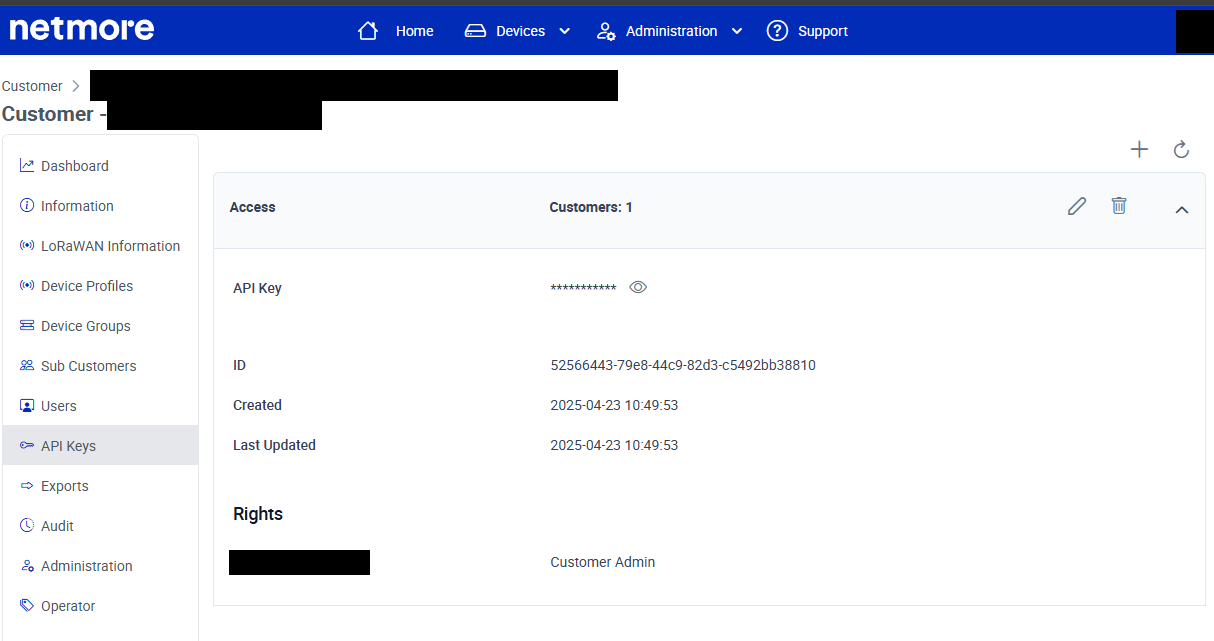
API calls must have the “api-key” header added for authorization to work, see below for examples:
| |
|---|